Manufacturing operations involve a lot of moving parts. Raw materials come in, production runs, quality gets checked, orders go out, invoices get raised, and somewhere in between, decisions have to be made. When each of those steps runs on a separate system or, worse, on spreadsheets and paper, things fall through the cracks.
An ERP system in manufacturing brings all of that into one place. This guide explains what it is, how it works, what to look for, and whether your business is ready for one.
What is an ERP system?
ERP stands for Enterprise Resource Planning. It is a software platform that connects the core functions of a business, including finance, procurement, inventory, human resources, and operations, into a single integrated system.
Rather than storing information across disconnected systems, an ERP brings key business data together in one place. This makes it easier for different departments to access the information they need and stay aligned as transactions occur.
The term has been around since the 1990s, when systems evolved from manufacturing-focused tools like Material Requirements Planning (MRP) into all-encompassing business management platforms.
What is an ERP System in Manufacturing?
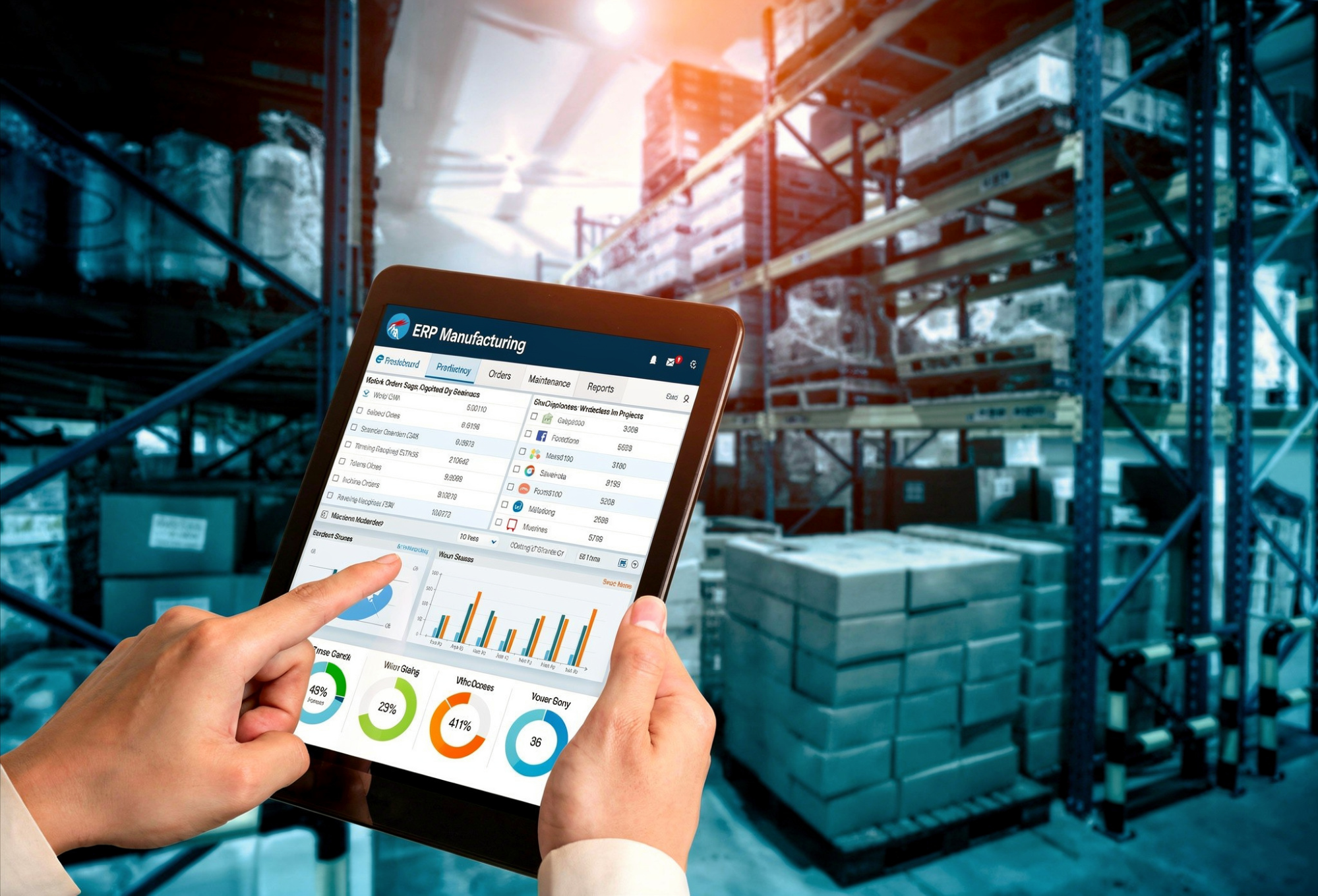
A manufacturing ERP (Enterprise Resource Planning) system is software that helps manufacturers manage and connect their core business and production processes in one platform. It combines functions such as accounting, inventory management, procurement, production planning, and order management, allowing information to flow between departments in real time.
Why Do Manufacturers Use ERP Systems?
Manufacturers deal with complexity that most other industries do not. They have to coordinate raw materials, machine capacity, labour, supplier lead times, and customer delivery schedules, often simultaneously and across multiple production lines or facilities.
Without a system connecting all of this, it is easy to overproduce, understock, miss delivery windows, or run up costs that were not tracked properly. An ERP system gives manufacturers the tracking and control across the entire production cycle, from planning through delivery.
Manufacturing ERP vs Generic ERP Software
A generic ERP can support basic operations, but manufacturers often require additional capabilities for managing production. The table below compares the features of generic ERP software and manufacturing ERP systems:
| Generic ERP | Manufacturing ERP | |
| Finance and accounting | Yes | Yes |
| HR and payroll | Yes | Yes |
| Procurement | Yes | Yes |
| Production planning | Limited | Yes |
| Shop floor control | No | Yes |
| Bill of materials | No | Yes |
| Material requirements planning | No | Yes |
| Quality management | Limited | Yes |
| Work order management | No | Yes |
How Manufacturing ERP Improves Operational Efficiency
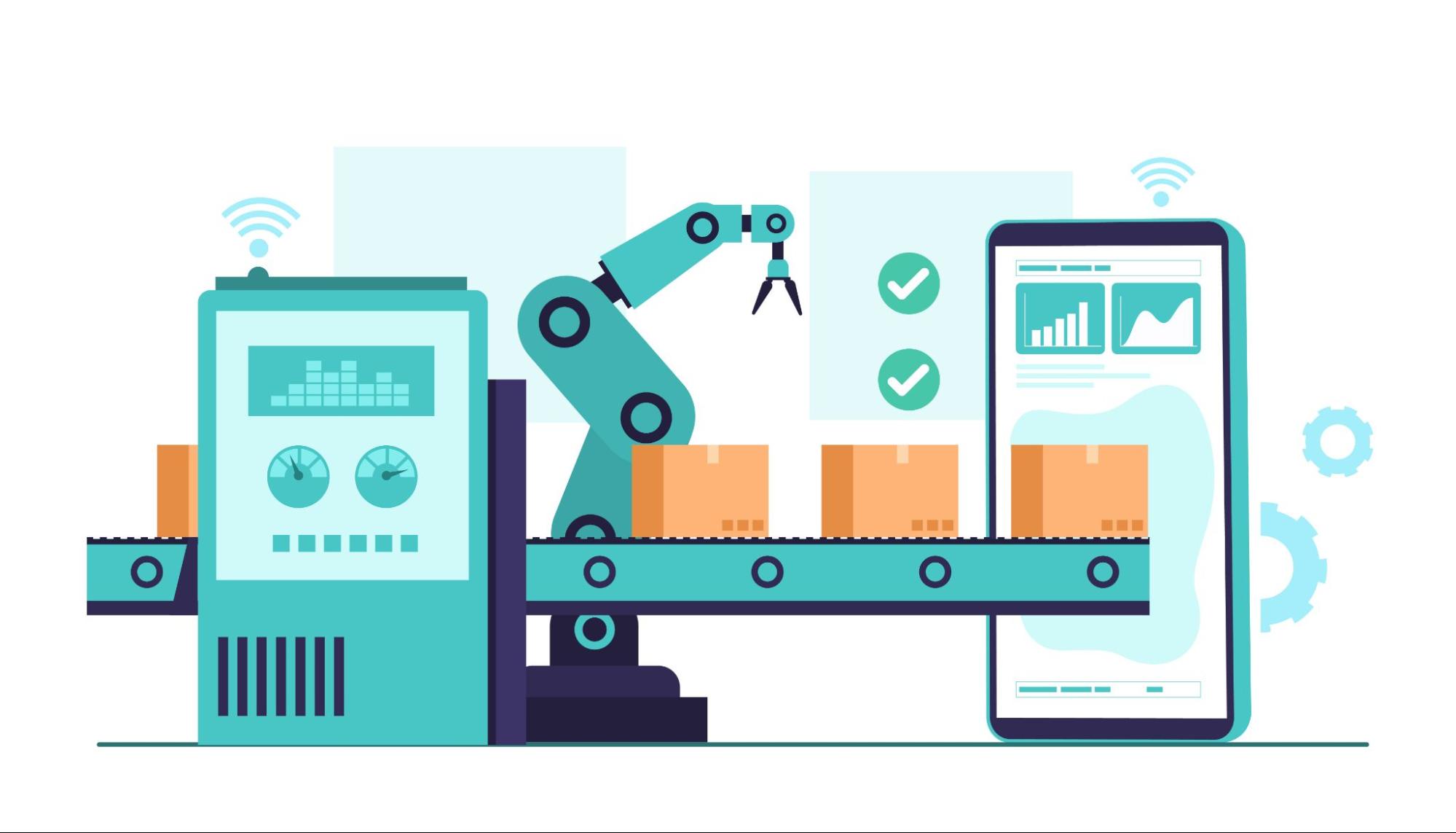
By connecting production, inventory, procurement, quality management, and finance in a single system, manufacturing ERP delivers benefits across multiple areas of the business, including:
- Operational Efficiency: Eliminates data silos and manual processes, enabling teams to work faster and with fewer errors.
- Better Production Planning: Uses real-time inventory, demand, and capacity data to create more accurate production schedules.
- Improved Inventory Control: Reduces stock shortages and excess inventory by providing tracking into material availability.
- More Efficient Procurement: Aligns purchasing activities with production schedules to ensure materials arrive when needed.
- Better Production Tracking: Provides real-time insight into production orders, machine utilisation, and material availability, helping managers identify and address issues quickly.
- Stronger Quality Management: Links quality data to specific batches and production runs, enabling faster issue resolution and traceability.
- Reduced Waste and Delays: Minimises production disruptions caused by missing materials, scheduling conflicts, or quality issues.
- Higher Resource Utilisation: Helps optimise the use of labour, equipment, and materials across the facility.
- Better Decision-Making: Provides consistent, real-time data across departments for faster and more informed decisions.
- Cost Reduction and Scalability: Reduce costs associated with waste, overtime, emergency purchases, and inefficiencies while supporting business growth across additional users, locations, and product lines.
6 Key Features of Manufacturing ERP Systems
So, how does a manufacturing ERP system work? It relies on a set of integrated features that connect production, inventory, procurement, quality management, and finance within a single platform, which include the following:
1. Production planning and scheduling
This module manages work orders, assigns machine and labour resources, sets production timelines, and adjusts schedules when disruptions occur. More advanced systems support finite capacity scheduling, which accounts for actual machine availability rather than assuming unlimited capacity.
2. Inventory and warehouse management

Real-time tracking of all stock movements, including receipts, transfers, issues to production, and shipments. Supports lot and serial number tracking, which is important for industries with traceability requirements such as food and beverage or pharmaceuticals. ERP software for packaging can also help businesses manage packaging material inventory more efficiently.
3. Procurement and supplier management
Manages the full purchasing cycle, from requisition to purchase order to goods receipt to invoice matching. Tracks supplier performance and lead times, which helps with planning accuracy.
4. Shop floor control
Provides tracking into production activity in real time. Operators can record job completions, material usage, and downtime. Managers can see where each work order stands without walking the floor or waiting for end-of-day reports.
5. Quality management
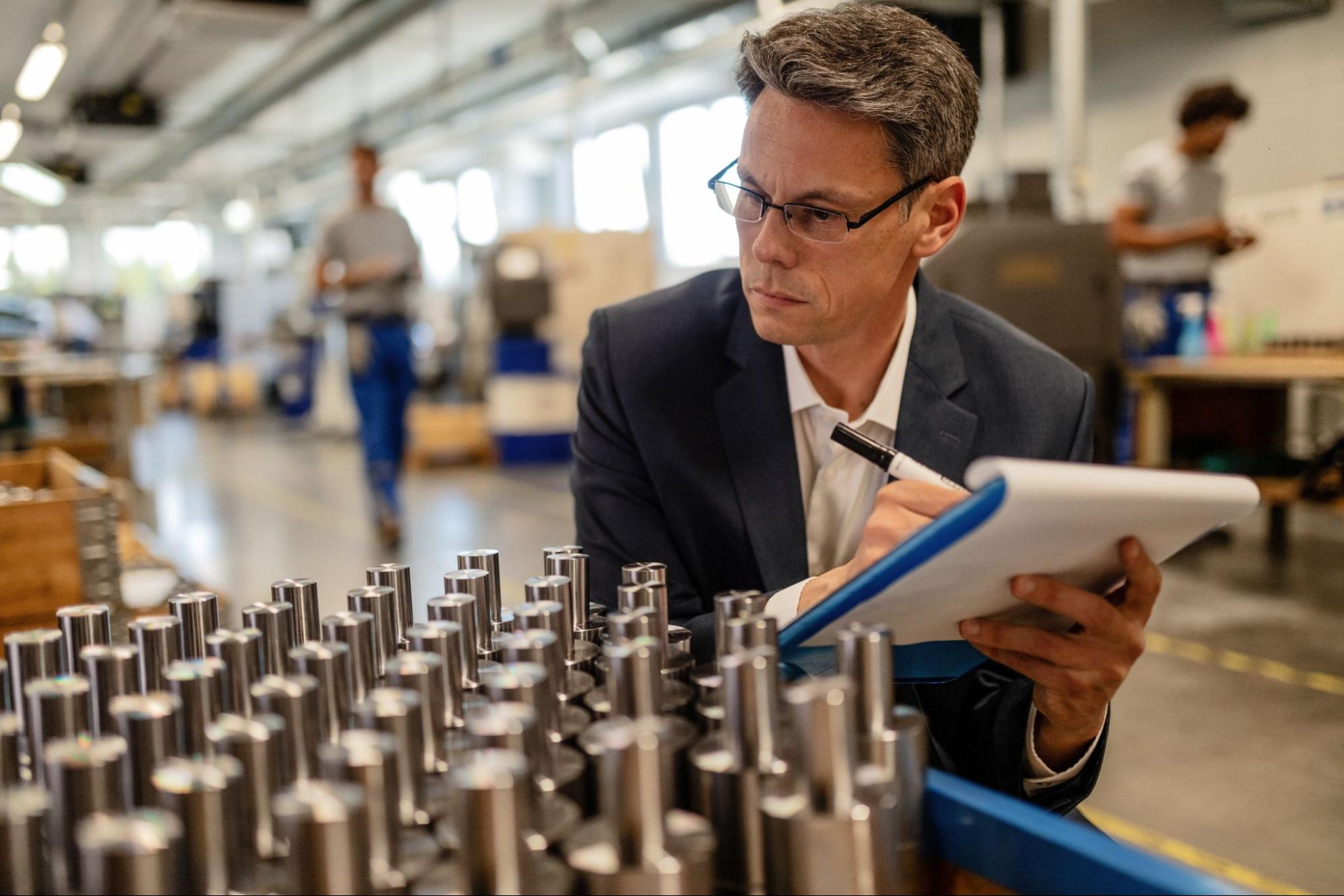
Records inspection results at each stage of production, manages non-conformances, and supports corrective action tracking. Can be linked to specific batches or production orders for full traceability.
6. Finance and reporting
Connects operational activity to financial outcomes. Tracks cost of goods manufactured, material costs, labour costs, and overhead. Generates financial statements, variance reports, and management dashboards.
Types of Manufacturing ERP Systems
Manufacturing ERP systems can be categorised by their deployment model and the size or complexity of the businesses they are designed to support.
1. By Deployment Model
| Type | Best Suited For | Key Characteristics |
| Cloud ERP | Small to large manufacturers seeking flexibility and lower upfront costs | Hosted by the vendor, accessed online, automatic updates, subscription-based pricing |
| On-Premise ERP | Large manufacturers with dedicated IT resources or strict compliance requirements | Installed on company-owned servers, greater control and customisation, higher upfront investment |
| Hybrid ERP | Businesses that need both cloud flexibility and local data control | Combines cloud and on-premise environments, allowing selected systems or data to remain on-site |
- By Business Size and Complexity
2. By Business Size and Complexity
| Type | Best Suited For | Key Characteristics |
| Small Business ERP | Manufacturers with straightforward operations and limited IT resources | Affordable, easy to implement, and simple to use |
| Mid-Market ERP | Growing manufacturers that need more advanced functionality and scalability | Greater configurability, broader features, and moderate implementation complexity |
| Enterprise ERP | Large manufacturers with multiple facilities and complex operations | Extensive functionality, global scalability, and advanced customisation capabilities |
Signs Your Manufacturing Business Needs an ERP System
As manufacturing operations grow, manual processes and disconnected systems can become difficult to manage. If you’ve been asking yourself any of the following questions, it may be time to consider a manufacturing ERP system:
- Am I spending too much time updating and checking spreadsheets just to keep production running?
- Why does my inventory never seem to match what’s actually in the warehouse?
- Why is it so hard to figure out what my products really cost to make?
- Why do customer orders keep falling behind schedule?
- Why do the same quality problems keep happening over and over again?
- How am I going to manage multiple sites or warehouses as the business grows?
If several of these challenges sound familiar, a manufacturing ERP system can help centralise information, improve tracking, and streamline operations across the business.
How to Choose the Right Manufacturing ERP
5 Key Evaluation Criteria
- Industry fit: Look for a system with modules built for your type of manufacturing. A discrete manufacturer making engineered components has different needs from a food processor with batch production and expiry tracking.
- Integration capability: The ERP should connect cleanly with other systems you use, such as warehouse management, MES, CRM, or accounting software.
- Local compliance: In Malaysia, your ERP needs to support SST (Sales and Service Tax) accounting and e-invoicing compliance as required by LHDN. Check that the system you are evaluating has these built in or available as add-ons.
- Scalability: Choose a system that can grow with your business. Adding users, production lines, or locations should not require replacing the system.
- Implementation support: A good software product can still fail if the implementation is poorly managed. Look for vendors or partners with experience in your industry and a track record of successful go-lives.
6 Common Mistakes to Avoid
- Focusing on Price Over Fit: Choosing the cheapest option can lead to costly customisations and limitations later if the system does not meet your operational requirements.
- Over-Customising the System: Trying to replicate every existing manual process can increase implementation time, complexity, and costs while reducing the benefits of standard ERP workflows.
- Neglecting Data Preparation: Migrating inaccurate or outdated data can create problems from day one and undermine confidence in the new system.
- Underestimating User Training: Without adequate training, employees may struggle to adopt the ERP effectively and revert to old processes.
- Ignoring Future Growth Requirements: Selecting a system that only meets current needs can result in another software replacement as the business expands.
- Failing to Involve Key Stakeholders: Excluding production, inventory, procurement, finance, or other departments from the selection process can lead to gaps in functionality and user adoption.
How to Implement an ERP System in Manufacturing

ERP implementation timelines vary depending on the size of the business, the complexity of its operations, and the level of customisation required. While a small cloud ERP system may be implemented in a few months, an enterprise-scale project can take a year or longer.
The implementation process typically follows these steps:
- Define Requirements and Project Scope: Identify business objectives, operational challenges, required features, and implementation priorities.
- Prepare and Clean Data: Review and standardise item codes, bill of materials (BOMs), supplier records, customer information, and other master data before migration.
- Configure the System: Set up workflows, user roles, reports, and business rules. Where possible, use standard system processes and limit customisation to genuine business requirements.
- Migrate Data and Integrate Systems: Import existing data and connect the ERP with other business applications, equipment, or third-party systems where necessary.
- Test the System: Validate workflows, transactions, reports, and integrations to ensure the ERP functions correctly before deployment.
- Train Users: Provide training for employees across departments to ensure they understand how to use the new system effectively.
- Go Live: Transition from the old system to the ERP and begin using it for day-to-day operations.
- Monitor and Stabilise: Provide ongoing support during the first four to six weeks after go-live to resolve issues, refine processes, and help users adapt to the new system.
4 Common ERP Challenges and How to Overcome Them
- Resistance from staff is one of the most common reasons ERP projects underperform. People who have worked a certain way for years will push back on new systems, especially if they were not involved in the selection process. Involve key users early, communicate clearly why the change is happening, and invest in proper training.
- Scope creep happens when requests for additional features or customisations accumulate during the project, extending timelines and budgets. Define scope clearly at the start and manage change requests formally.
- Data migration problems are often underestimated. Budget time and resources specifically for data extraction, cleaning, and validation. Running the old and new systems in parallel for a period helps catch discrepancies before they cause operational issues.
- Vendor support quality varies significantly. A capable product with poor local support can leave your team stuck when something goes wrong after go-live. Check what support channels are available, response times, and whether there are local partners who can respond on-site if needed.
Manufacturing ERP Examples by Industry
1. Automotive
Automotive manufacturers and component suppliers need tight traceability, strict quality management, and complex supply chain coordination. ERP systems used in this sector typically support supplier scheduling, just-in-time delivery, and integration with customer requirements systems. In Malaysia, the automotive supply chain includes both Tier 1 and Tier 2 suppliers to national manufacturers such as Perodua and Proton.
2. Electronics
Electronics manufacturers deal with high product variety, short product lifecycles, and tight tolerances. ERP systems in this sector need strong BOM management, engineering change control, and component-level traceability.
3. Food and Beverage
Food and beverage manufacturers require batch traceability, shelf-life management, and compliance with food safety standards such as HACCP. A food manufacturing ERP system helps manage lot tracking from raw material intake through to finished product shipment, while providing the tracking needed to maintain quality and regulatory compliance.
These systems also support rapid product recalls when necessary. For Malaysian manufacturers, features such as SST reporting and halal compliance management may also be important requirements.
4. Pharmaceuticals
Pharmaceutical manufacturers operate under strict regulatory requirements, including GMP (Good Manufacturing Practice). ERP systems in this industry must support detailed batch records, full material genealogy, deviation management, and audit trails that satisfy regulatory inspections.
5. Industrial Manufacturing
This category covers machinery, equipment, and industrial components, often produced in small batches or as one-off jobs. ERP systems need strong job costing, project tracking, and flexible production scheduling to handle high product variation and custom orders.
6. Furniture and Fabrication
Furniture manufacturers often deal with complex BOMs, customisable product configurations, and production that combines machining, assembly, and finishing stages. ERP systems used here need to handle variant configuration and support tracking across multiple production stages with different lead times.
The Evolution of Manufacturing ERP and Future Trends
- Cloud adoption
1. Cloud adoption
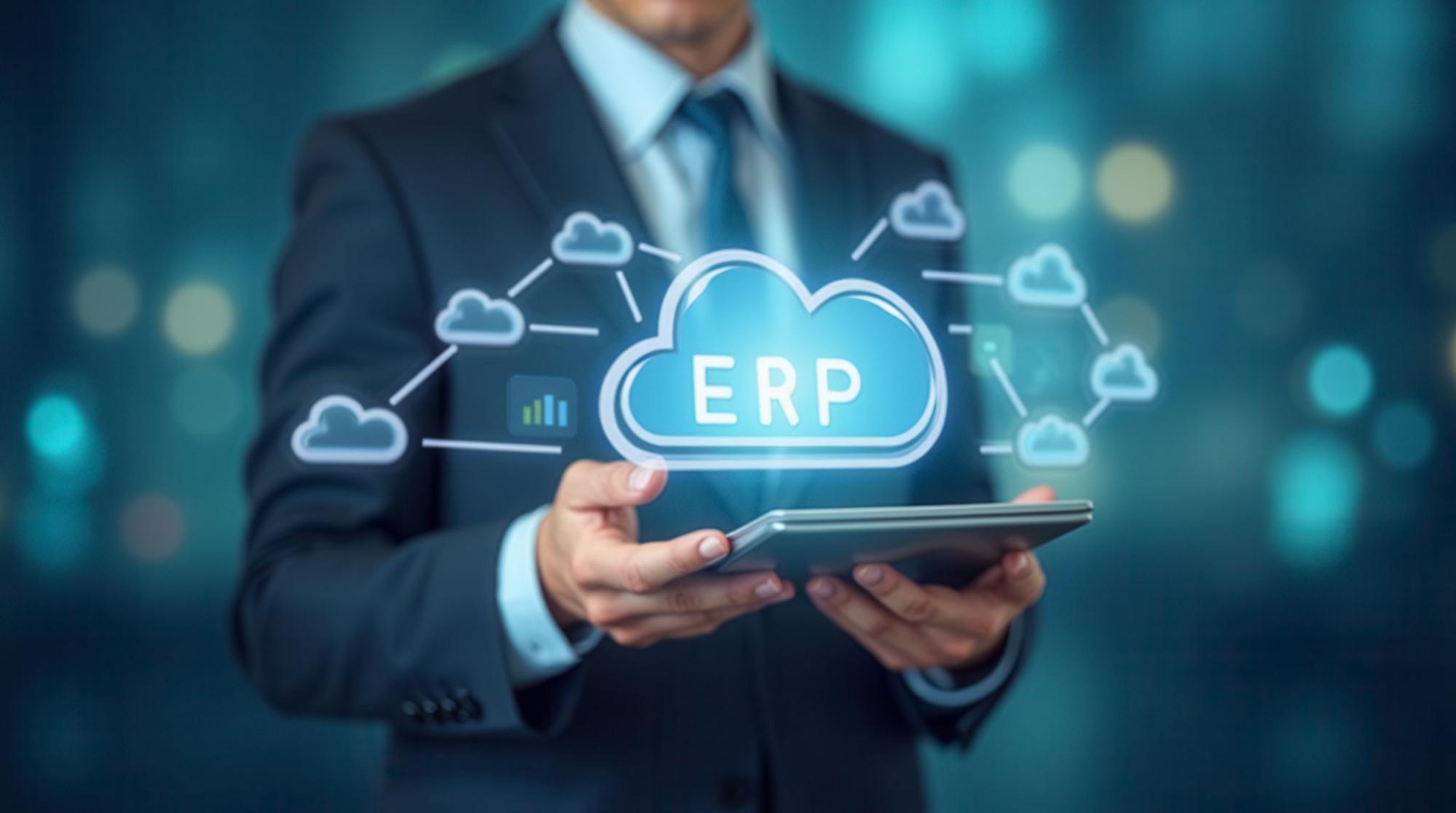
Cloud ERP is now the dominant deployment model for new implementations across most manufacturer segments. The ability to access the system from any location, combined with lower upfront costs and automatic updates, has made cloud ERP attractive even for manufacturers that previously preferred on-premise systems.
- AI and predictive analytics
2. AI and predictive analytics
AI capabilities are being embedded into manufacturing ERP platforms to support demand forecasting, predictive maintenance, and production optimisation. Rather than reporting on what happened, these tools surface patterns and recommendations in advance, allowing planners to act before problems occur.
- IoT and connected factories
3. IoT and connected factories
Integration between ERP systems and IoT devices on the factory floor is becoming more common. Sensors that track machine status, energy usage, or environmental conditions can feed data directly into the ERP, reducing manual data entry and providing a more accurate picture of what is happening in production. This connects closely to Malaysia’s smart factory goals under NIMP 2030.
- Real-time production tracking
4. Real-time production tracking
Historically, production reporting was done at the end of a shift or day. Modern ERP systems, especially those connected to MES or shop floor terminals, now support real-time tracking into work order status, machine utilisation, and output rates. This shortens the feedback loop between what is planned and what is actually happening, making it easier to respond to disruptions before they escalate.
Conclusion
Manufacturing ERP systems help businesses gain better tracking, improve coordination across departments, and make more informed decisions. While they cannot eliminate operational challenges, they provide the tools needed to manage production, inventory, procurement, and quality more effectively.
If your business has requirements that standard ERP software cannot fully support, a custom solution may be the better option. Contact us now to discuss your manufacturing workflows and explore custom software solutions tailored for businesses in Malaysia.
Frequently Asked Questions about ERP Systems in Manufacturing
1. How Much Does a Manufacturing ERP System Cost in Malaysia?
The cost of a manufacturing ERP system depends on the software, deployment model, and size of the business. Cloud ERP systems for SMEs may start from a few hundred ringgit per month, while mid-market ERP implementations often range from RM100,000 to RM400,000 or more. Enterprise solutions require a much larger investment.
Some Malaysian manufacturers may also qualify for grants or digitalisation incentives that help offset implementation costs.
2. What Are the Most Common Types of ERP Systems?
ERP systems are commonly categorised by:
- Deployment model: Cloud, on-premise, or hybrid
- Business size: Small business, mid-market, or enterprise
- Manufacturing type: Discrete, process, or mixed-mode manufacturing
The right choice depends on your operational requirements and growth plans.
3. What Is Cloud ERP Software?
Cloud ERP software is hosted by the vendor and accessed through the internet. Businesses do not need to maintain their own servers, and updates are handled automatically.
This approach offers lower upfront costs, easier scalability, and access from any location with an internet connection.
4. What’s the Difference between ERP, CRM and MRP?
| System | Purpose |
| ERP | Manages core business operations such as finance, inventory, procurement, and production |
| CRM | Manages customer relationships, sales activities, and customer service |
| MRP | Plans material requirements and production schedules |
An ERP often includes MRP functionality and can integrate with CRM software to connect sales, production, and fulfillment processes.
5. Do ERP Systems Integrate Directly with Manufacturing Machines?
Yes. Many modern ERP systems can integrate with manufacturing equipment, either directly or through a Manufacturing Execution System (MES).
This allows machine data, production output, and quality information to be captured automatically, giving manufacturers better tracking into shop floor operations.