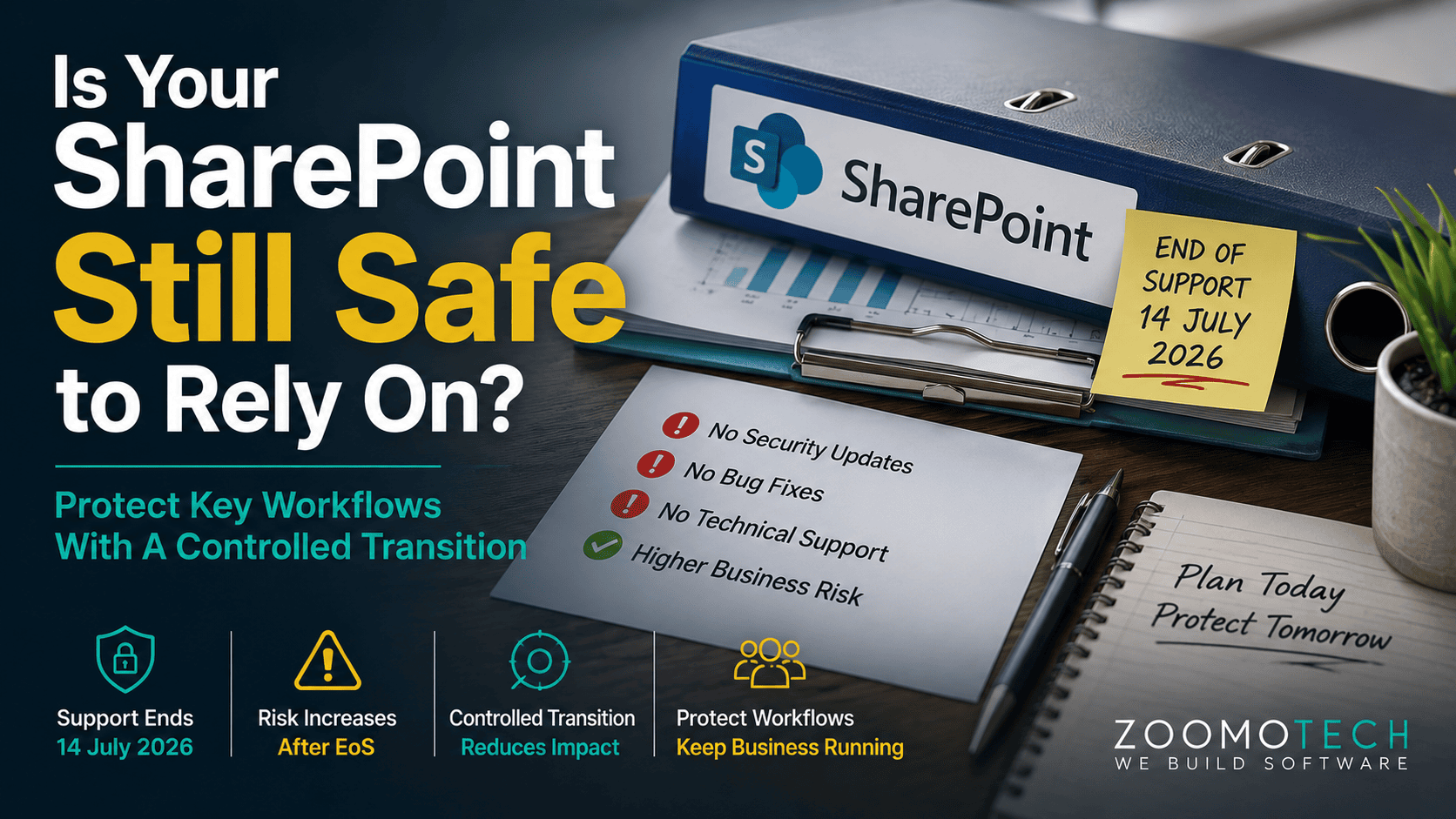
You may still have SharePoint running quietly behind your daily operations. Staff use it for internal forms, approvals, document sharing or tracking, while management assumes the system will continue as usual. If your company still relies on an older SharePoint Server environment, SharePoint End of Support changes the situation. SharePoint Server 2016 and 2019 reached end of support on 14 July 2026, even though existing installations do not suddenly stop working.
The concern is not that SharePoint will suddenly shut down. It is that an important business process may now depend on a platform outside Microsoft’s normal support and servicing. For an SME, that deserves a proper management decision before any replacement is considered.
SharePoint End of Support: What Happens After 14 July 2026
For SharePoint Server 2016 and 2019, Microsoft no longer provides product support and servicing. The systems may continue running, but they should now be treated as an ageing business dependency.
- No further security updates or product fixes
- No further Microsoft technical support
- Existing installations do not automatically shut down
- Future compatibility may become harder to manage
- The date is a decision point, not a shutdown date
Important distinction: This support deadline applies to SharePoint Server 2016 and SharePoint Server 2019, not to SharePoint as a whole. Existing installations may continue to operate after 14 July 2026, but these older Server versions are no longer on Microsoft’s supported product lifecycle.
Why Older SharePoint Systems Became Business-Critical
SharePoint systems often started with simple needs such as sharing documents, submitting forms or keeping information in one place. Over the years, SMEs added approval steps, lists, reports and internal workflows as the business grew. Different departments also developed their own ways of using the same platform.
That is why replacing an old SharePoint system is not simply an IT exercise. The technology may be outdated, but the business processes built around it may still be important. Staff may rely on these workflows every day, while key business rules now sit inside forms, approvals and reports. Understanding this history is important before deciding what should happen next.
SharePoint End of Support Changes the Risk Equation
An unsupported SharePoint system can continue running, but management can no longer treat it like a fully supported platform. The absence of further security updates increases hacker exposure, while technical issues may become harder to resolve without Microsoft support. Future browser, operating system or connected-system changes may also create compatibility issues. Risk depends on what the system controls, not simply how old it is.
There is a big difference between a document library used by one department and a workflow that controls purchasing, production approvals or customer servicing. The more important the process, the greater the business impact if the system becomes unreliable. A problem with a document library may inconvenience a team, while a failure in an approval workflow can delay purchases, production or customer response.
Unsupported Systems Increase Dependence on Workarounds
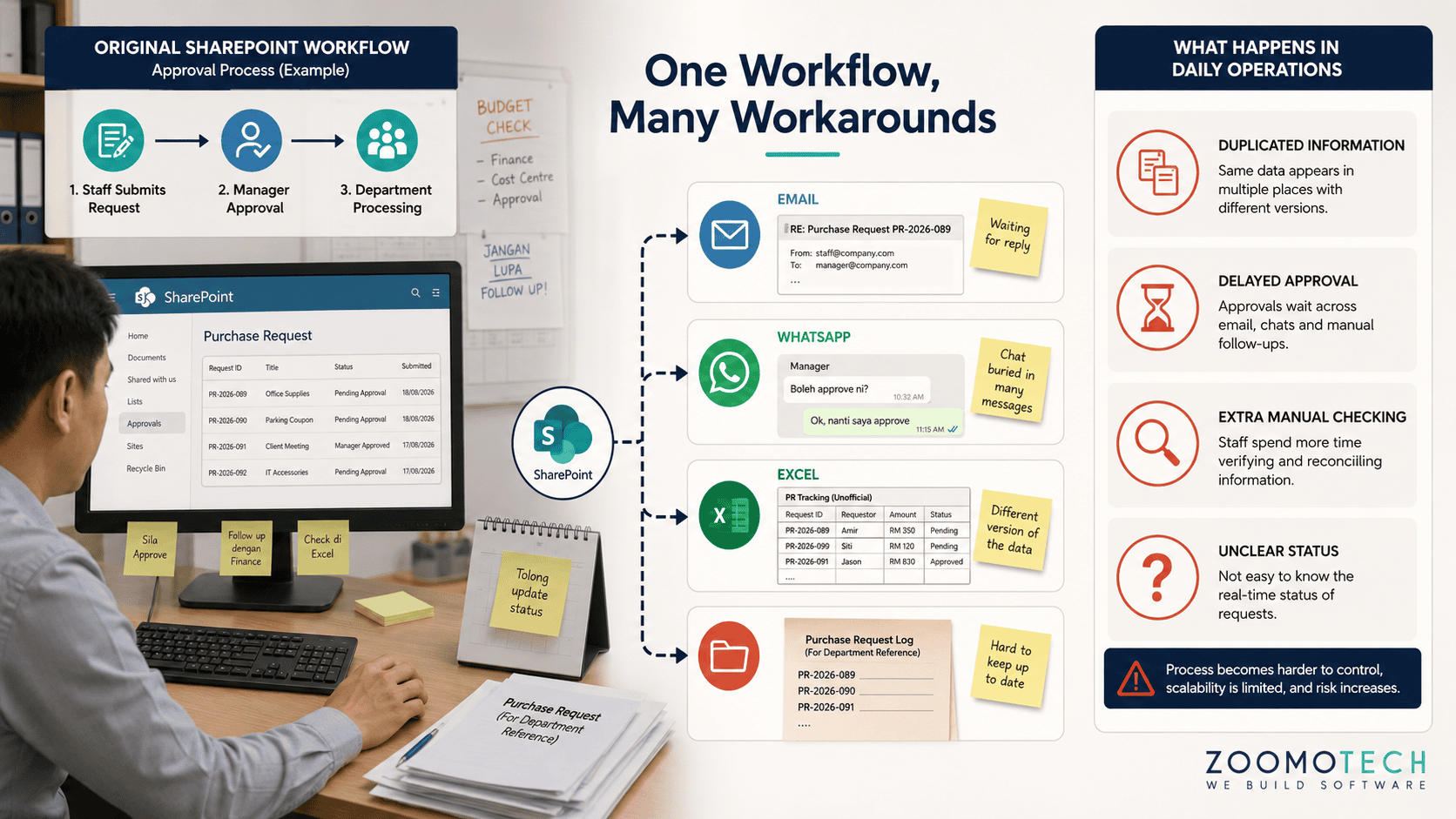
When an ageing system becomes harder to maintain, staff often find their own way around the problem. An approval may move to email or WhatsApp. A report may be exported into Excel before management can review it. A department may keep a separate tracking file because the original workflow no longer suits its needs.
These workarounds may look harmless because each one takes only a few minutes. The problem grows when the same pattern appears across several departments. Extra manual steps become part of the real process, but their cost is often not measured as a system expense. The business then has an ageing platform surrounded by unofficial processes.
Old SharePoint Workflows Can Be Hard to Rebuild
An old SharePoint workflow should not be copied simply because it already exists. Some forms, fields and approval steps may reflect how the company worked ten years ago, rather than what the business needs today. A report may contain information that nobody uses, while an important approval rule may only be understood by one experienced staff member.
This is why SharePoint upgrade should not automatically mean preserving every existing process. Before rebuilding anything, management should understand what each workflow is meant to achieve, where the important decisions are made, and which steps still add value. Otherwise, the company may spend money creating a newer version of an old problem.
SharePoint Upgrade Is Not Always the Best Business Move
Microsoft provides a supported path to SharePoint Server Subscription Edition, so an upgrade can be sensible when the existing environment still fits the business. However, moving to a newer version does not automatically remove old customisations, unnecessary steps or outdated workflow logic. The company may simply carry them forward.
For some SMEs, the supported Microsoft upgrade path is the practical answer. For others, selected workflows may be better redesigned outside the old platform. Custom development does not mean rebuilding everything. It can focus on specific processes that create the most operational value. The right choice should come from business requirements, not from a preference for one technology. It should also consider the cost, effort and disruption of keeping the existing workflow while the change takes place.
| Option | When It May Fit | Main Consideration |
|---|---|---|
| Upgrade | The existing SharePoint environment still fits the business. | Existing limitations may remain. |
| Migrate | The business wants to move content or workflows to a newer supported platform. | Migration effort and workflow changes. |
| Redesign | Existing workflows are heavily customised or no longer fit operations. | Requires clear process review before development. |
Which Business Processes Should You Preserve or Redesign
Start with the workflows that affect daily operations most directly. Look at purchasing approvals, production requests, customer servicing and job tracking or other processes that move between departments. These usually deserve more attention than information that is not used often.
Also review workflows that depend heavily on one staff member, involve several approval stages, or produce reports management still relies on. Preserve useful business rules, but question outdated steps and duplicated work. The objective is not to reproduce the old SharePoint environment. It is to retain what still works, improve what creates friction, and remove what the business no longer needs.
Support Risk Can Become a Management Control Issue
The issue goes beyond whether an old SharePoint system can still open and operate. Management may continue receiving reports and approvals without knowing where a process is delayed or which workarounds staff are using. Important process knowledge may also sit with a few experienced people. A working system does not always mean a controlled process.
When important workflows depend on unsupported technology and undocumented practices, business continuity becomes harder to protect. The loss of a key staff member, a technical issue or a process exception can expose weaknesses that were previously hidden. For management, this is therefore not only an IT support matter. It is a question of how much control the company still has over an important part of its daily operations.
Plan the Transition Around Business Continuity
There is no need to replace everything at once. Start with clarity, document important workflows, rank them by business criticality, then decide what should stay, upgrade, migrate or redesign. A phased approach allows the company to control risk and protect daily operations. Each technology decision can then be made with clearer information before the next step.
Build a Safer Path Beyond an Ageing SharePoint System
SharePoint Server 2016 and 2019 have now reached the end of Microsoft’s support period. That does not mean every company must replace its system immediately. SharePoint End of Support is a reason to review what your business still depends on, which workflows remain important, and whether an upgrade, migration or redesign makes the most sense. The right decision starts with understanding your current operations, not choosing a technology first.
Still unsure what to do with your existing SharePoint setup? You can reach me privately through WhatsApp or Email to discuss your situation, current workflows and possible next steps. No formal commitment is needed. A simple conversation is enough to understand whether this needs attention now or can be planned later.
—
Ning
Founder, Zoomo Tech